MP3 Converter 4.9
This is a tool that can act both as an audio extractor and an audio converter
 Download
Program info

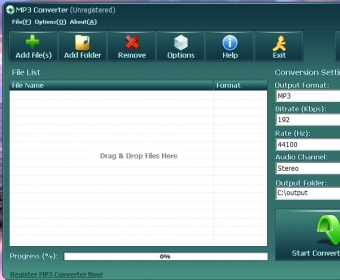
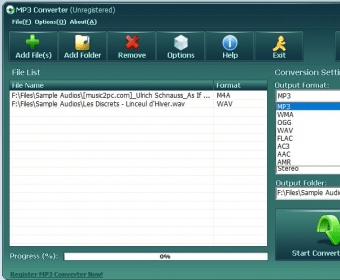
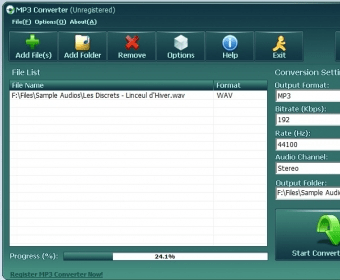
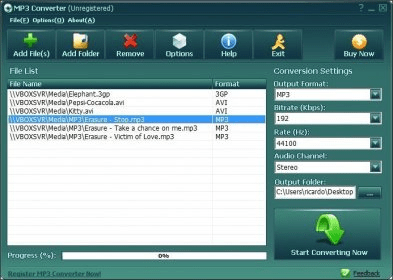


MP3 Converter is a tool that can act both as an audio extractor and an audio converter. You can use this program to convert or extract the audio form several source files at once in batch mode. Besides, MP3 is not the only output format supported – it can also output audio files in other formats, like WAV, WMA, Ogg, FLAC, AC3, and more.
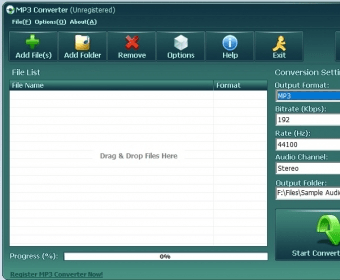
MP3 Converter offers a fairly intuitive and simple interface. It allows you to create a list with your source files, whether audio or video. You can add files to that list individually or you can select a folder and let the program find the suitable source files inside it for you. Drag-and-drop is also supported, allowing you to add source files from outside of the program interface.
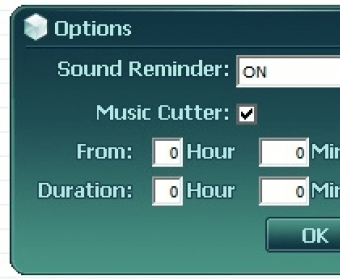
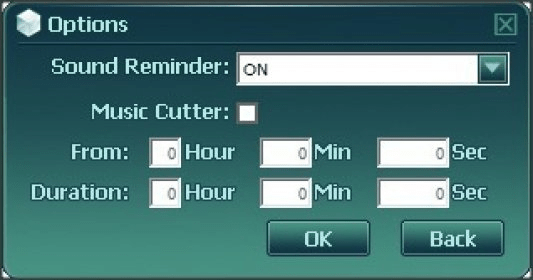
As stated before, you can select your desired output format among several options. However, the output parameters you can tweak are the same for all those formats – the bit rate, the sampling rate, and the number of channels. This means the program won't allow you to configure format-specific parameters, such as the audio codec or a variable bit rate. MP3 Converter includes an audio cutting function, which allows you to extract portions of the audio in your source audio or video files. When using it, you can define both the start point and the segment duration, in hours, minutes and seconds.
Finally, you can change the default output folder before starting the process. In conclusion, I would say that MP3 Converter can be a good audio extractor, audio converter, and/or audio cutter for you, in case your specific needs are not very advanced.
Pros
- Intuitive
- Easy to use
- Supports batch audio conversion and extraction
- Supports a good number of popular audio formats for the output
- Includes a practical audio cutting function
Cons
- Allows you to tweak only three general output audio parameters
Details
Extensions

No information available
The data will be available later.Awards

Related software
Convert and edit audio, video, and DVD files, and convert documents.

Collaborate on projects and create versioned backups.
Organize, convert, and play your multimedia files with this software suite.
Related stories
See all
Looking to turn your PDF documents into files that you can edit with Microsoft Word? Here are the easiest solutions available.
Did you know that VLC is also capable of converting between various formats or compressing your video files? Here's how to do that.
We've compiled the best audio editing tools that will help you create great music.